.svg)
What is OCP® CoPilot (beta) 
Introduction
OCP® CoPilot is an AI-powered assistant integrated into the Omilia Cloud Platform. It gives users instant access to platform knowledge, configuration insights, and automated development actions.
CoPilot is trained on OCP® Learning Center, platform documentation, best practices, system metadata, and operational context. It can answer questions, automate tasks, explain flows, and generate new configurations on demand.
It acts as a powerful productivity multiplier for developers, analysts, and ops teams working inside OCP®.
OCP® CoPilot Access
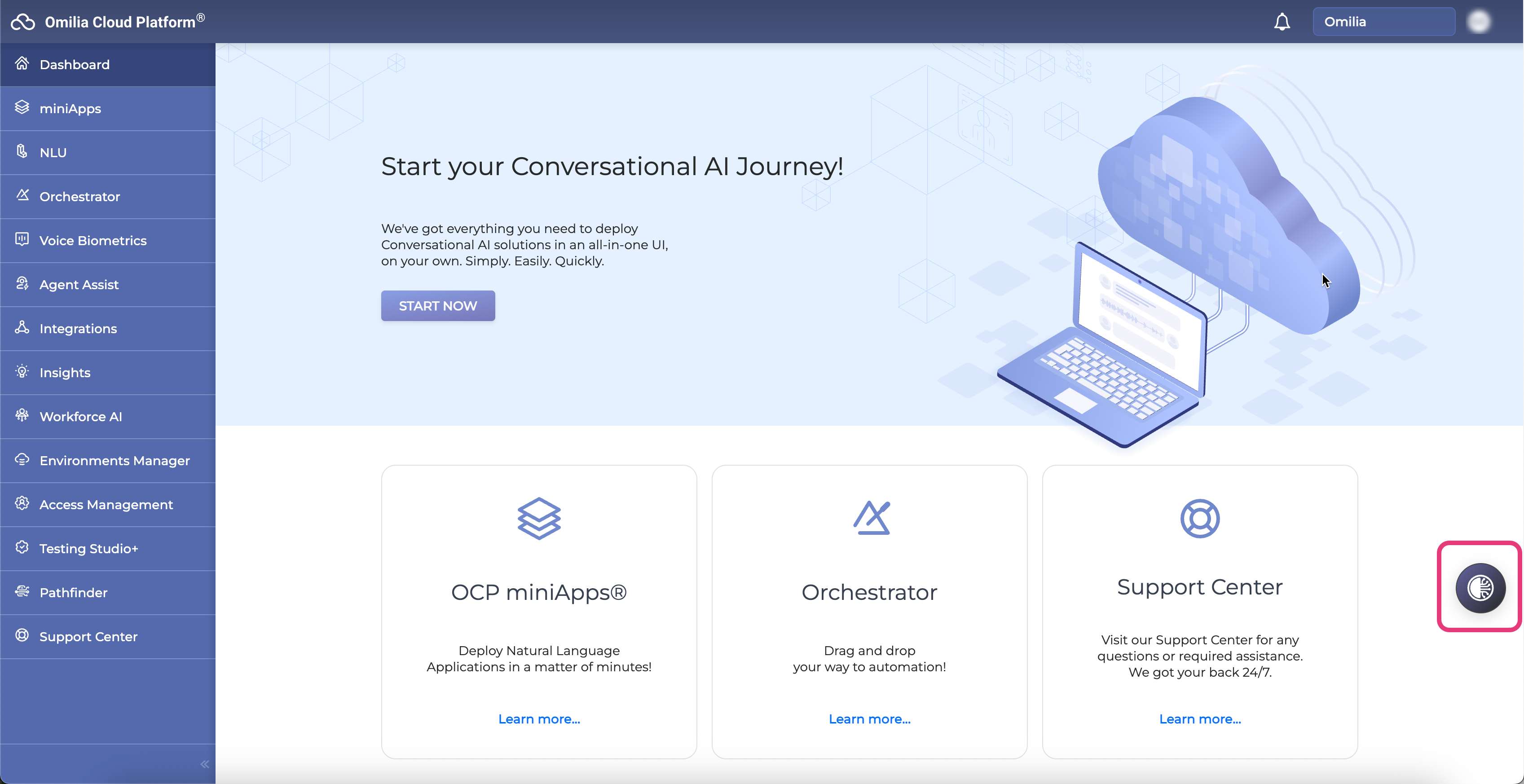
CoPilot is available throughout OCP®. Click the CoPilot icon
Core Capabilities Overview
What is CoPilot going to help you with?
Platform Knowledge & Explanation Engine
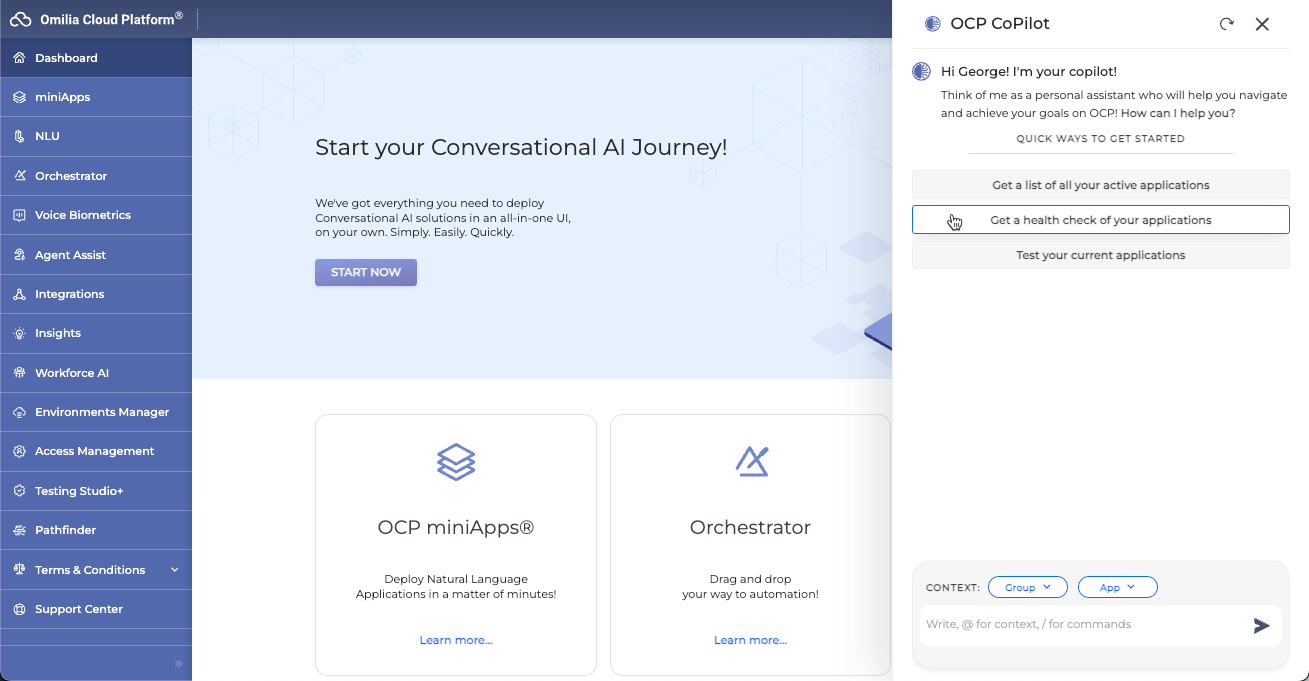
Copilot uses OCP® Learning Center content as a structured knowledge source. You can ask it questions about it and get answers immediately in the context you are working. It can explain any platform concept (miniApps, Orchestrator, tools, flows, variables, agents, queues); Provide example code, JSON structures, API requests; Outline best practices for building automation and generate boilerplate templates.
It is a great way to accelerate onboarding of new users, and also to onboard new users to already existing and complex workflows.
Agent Creation & Configuration
Agents are the backbone of conversational automation in OCP. Copilot assists across all aspects of their lifecycle. Here is a list of actions CoPilot currently supports:
-
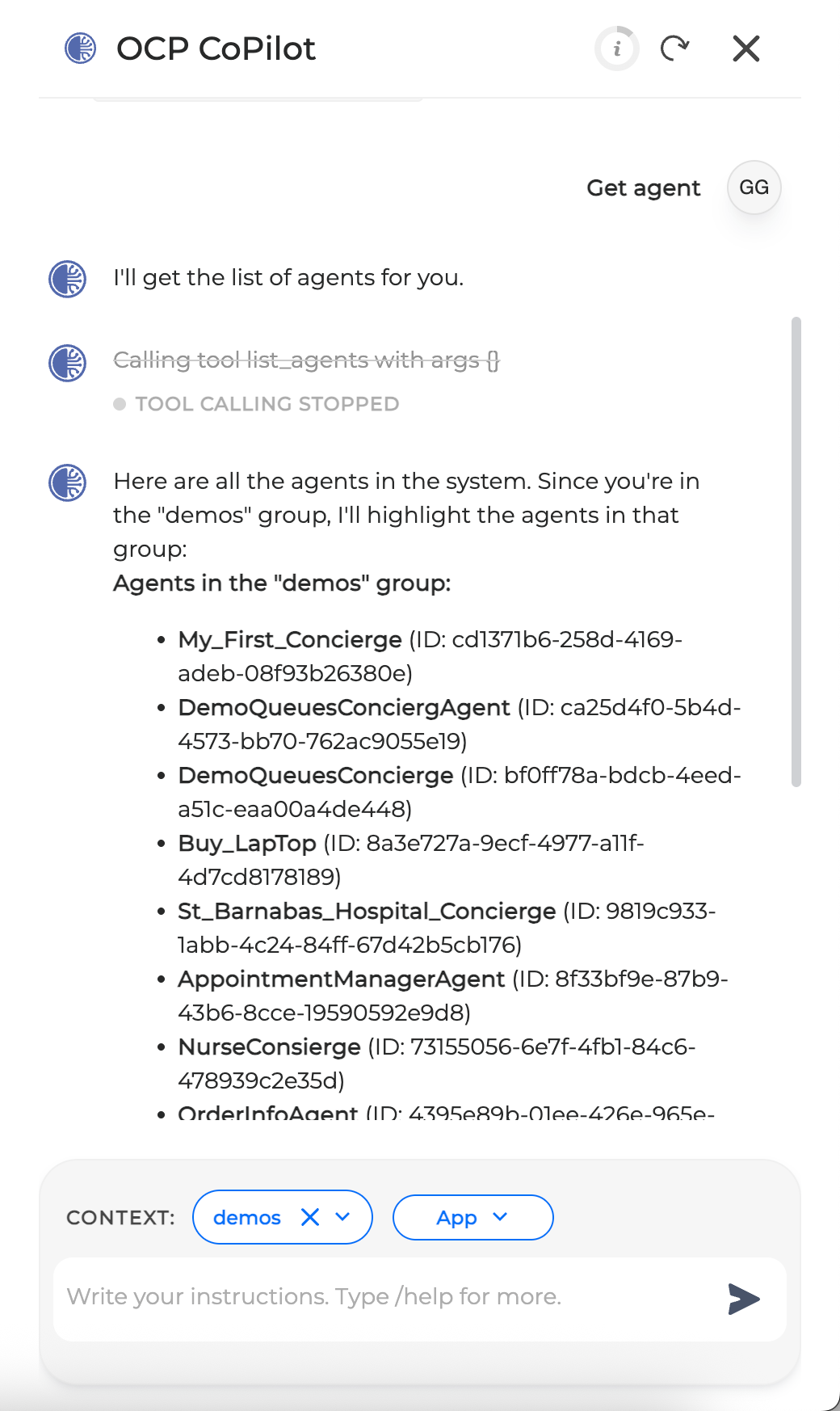
Get agent: Find agents, retrieve and understand the configurations and dependencies.
-
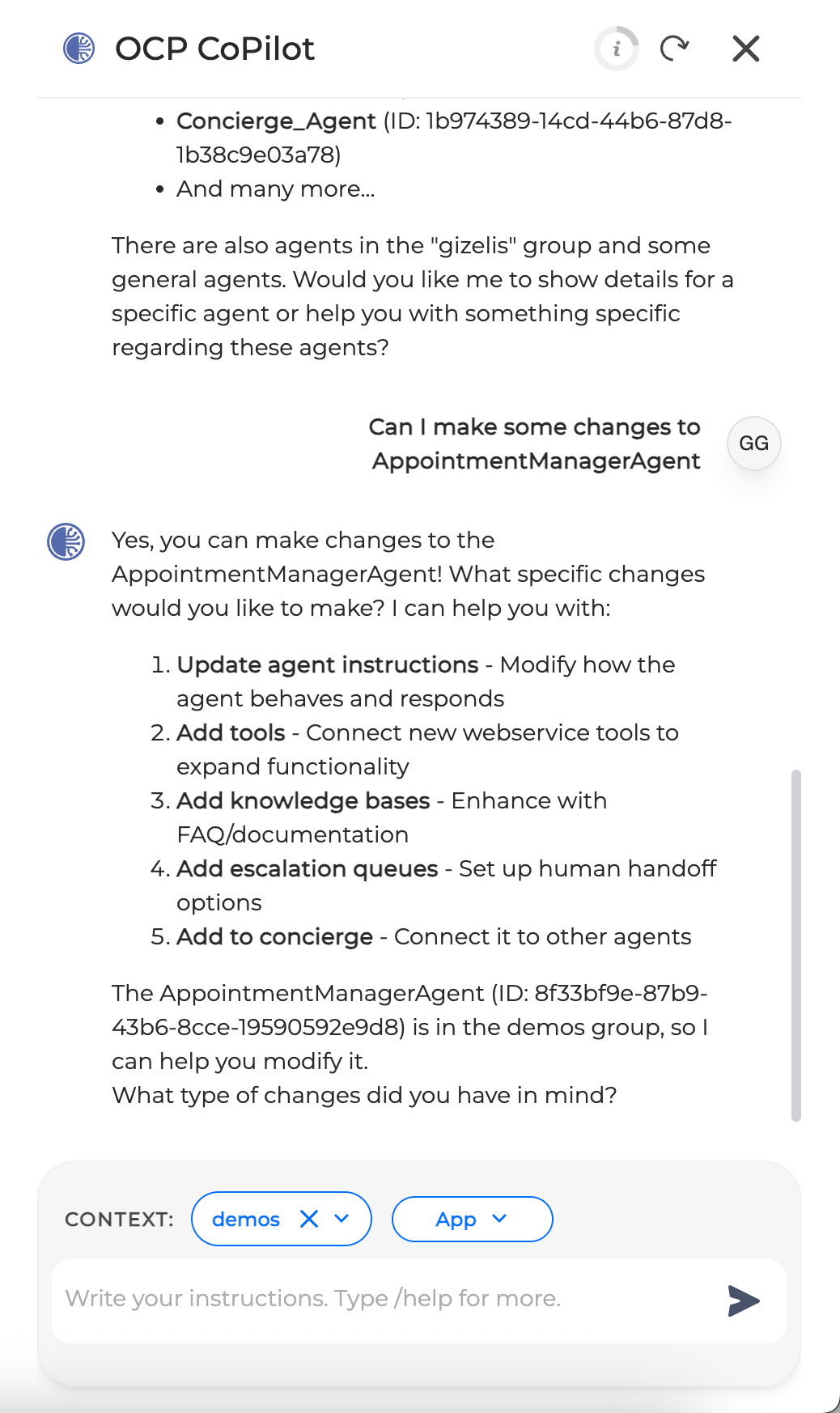
Update agent instructions: Updates the agent instructions directly from CoPilot, using best practices and known templates to support the generation.
-
Add escalation queues to agent: Update or add escalation queues to Concierge Agent Cards.
-
Add tools to agents: Add existing tools or MCP servers to Agent Cards.
-
Create agent through FAQ: Helps the user create an agent that answers questions based on a document / FAQ.
-
Create task agents: Helps the user create an agent that solves a complex task.
|
Get Agent |
Make changes to specific Application |
Assign tasks to Agents |
|---|---|---|
|
|
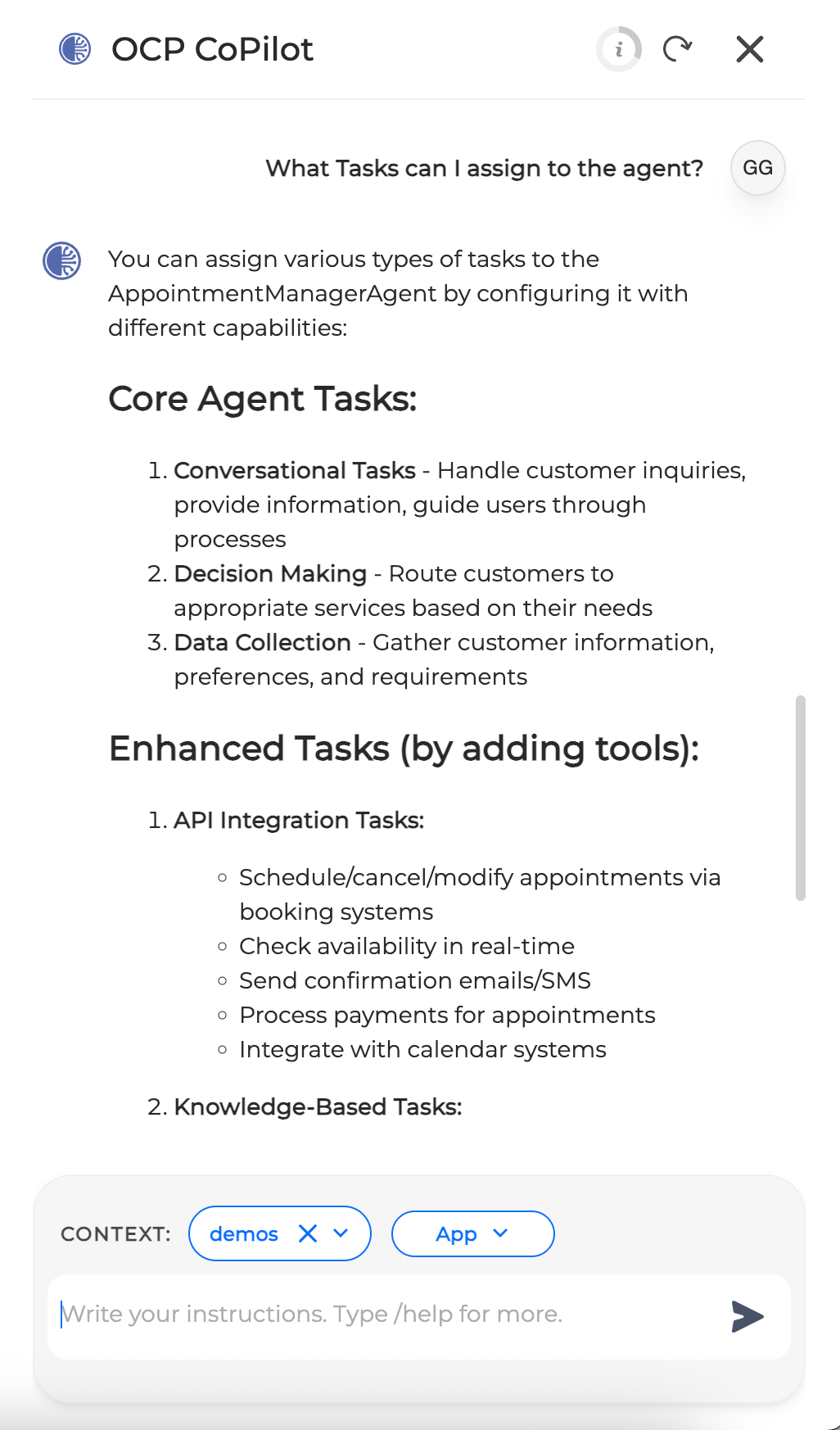
|
Orchestrator and miniApps - Tools & Application Control
CoPilot helps users understand and interact with orchestrator assets and flows through a conversational layer. Here is a list of actions supported by CoPilot within Orchestrator:
-
Explain flow (step-by-step technical interpretation): CoPilot analyses and interprets the flow, offering a natural language description of the functionality.
-
List orchestrator and / or miniApps: List orchestrator apps and / or miniApps available to the user.
-
Deploy Orchestrator app: Deploy application.
-
Get miniApp configuration: Get, understand and explain miniApp configuration.
-
Set miniApp prompt: Set the miniApp prompt directly from CoPilot.
-
Create webService miniApp: Create tools for Agents to consume directly from CoPilot.
|
List Orchestrator Applications |
Explain a specific Application Flow |
Get application configuration |
|---|---|---|

|
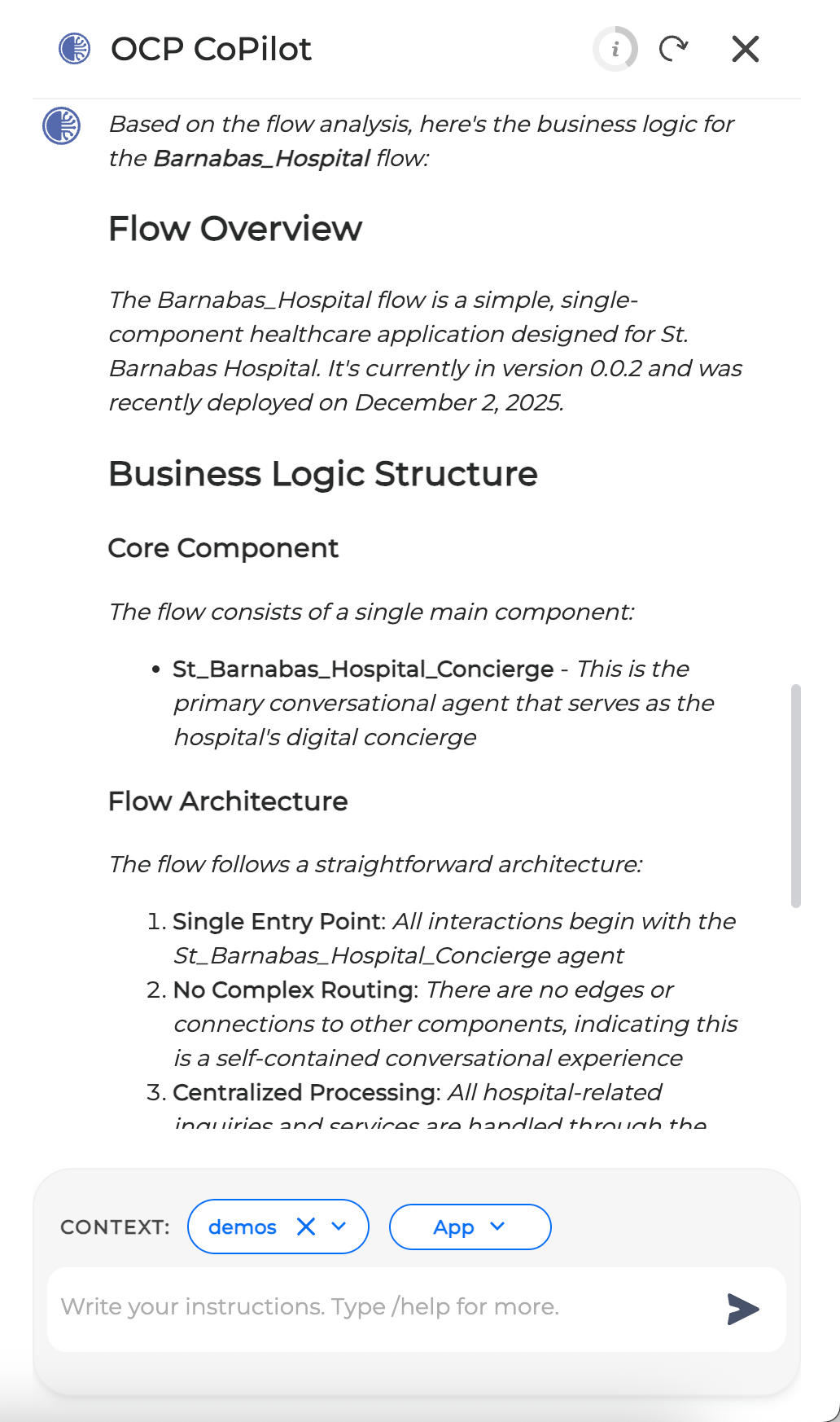
|
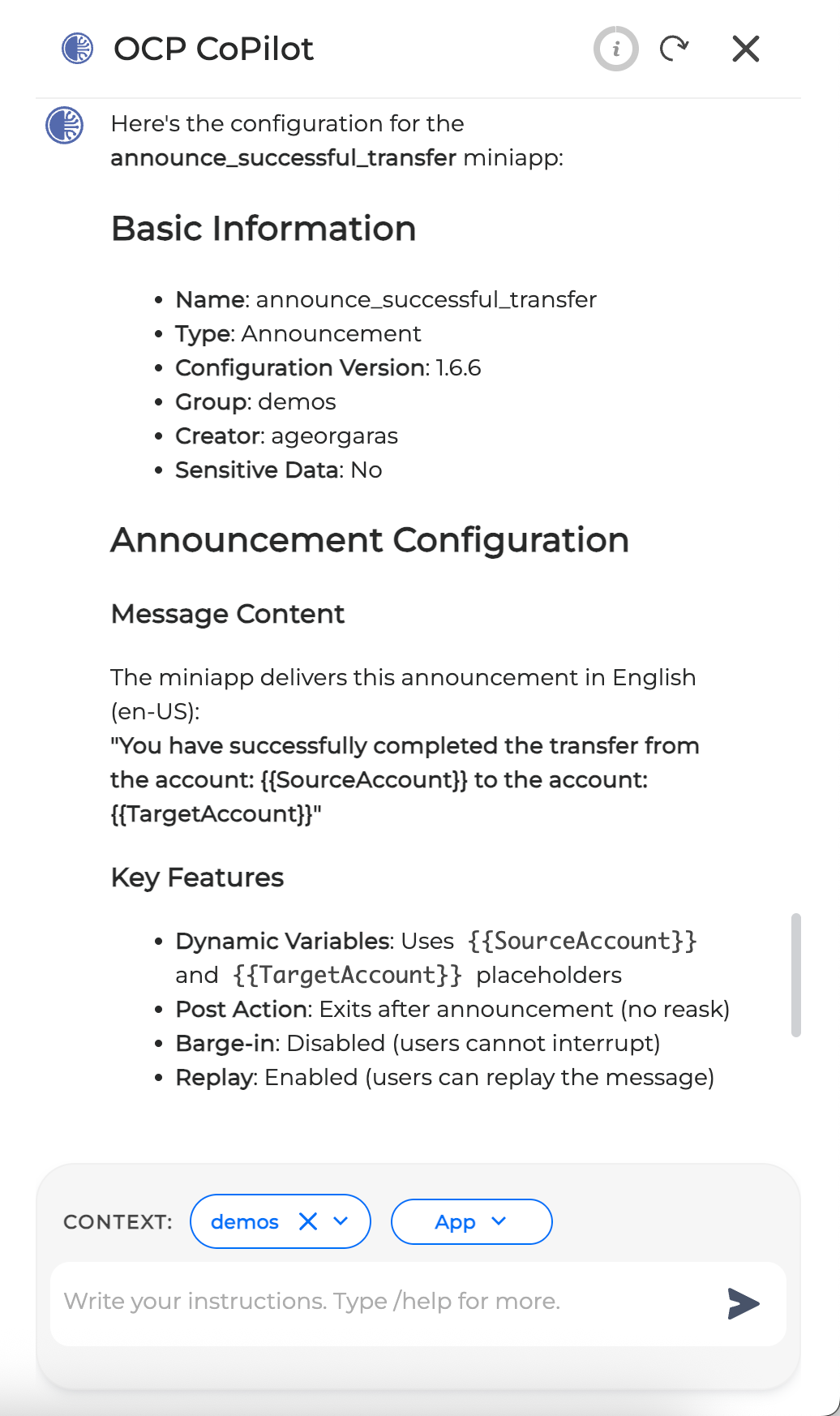
|
Logs, Variables & Operational Insights
CoPilot provides direct access to logs and system resources to support debugging and analysis. Here is a list of actions supported by CoPilot for troubleshooting and insights:
-
Search and understand dialog logs: search and understand dialog logs, including troubleshooting basic issues present in the logs.