.svg)
Logging in
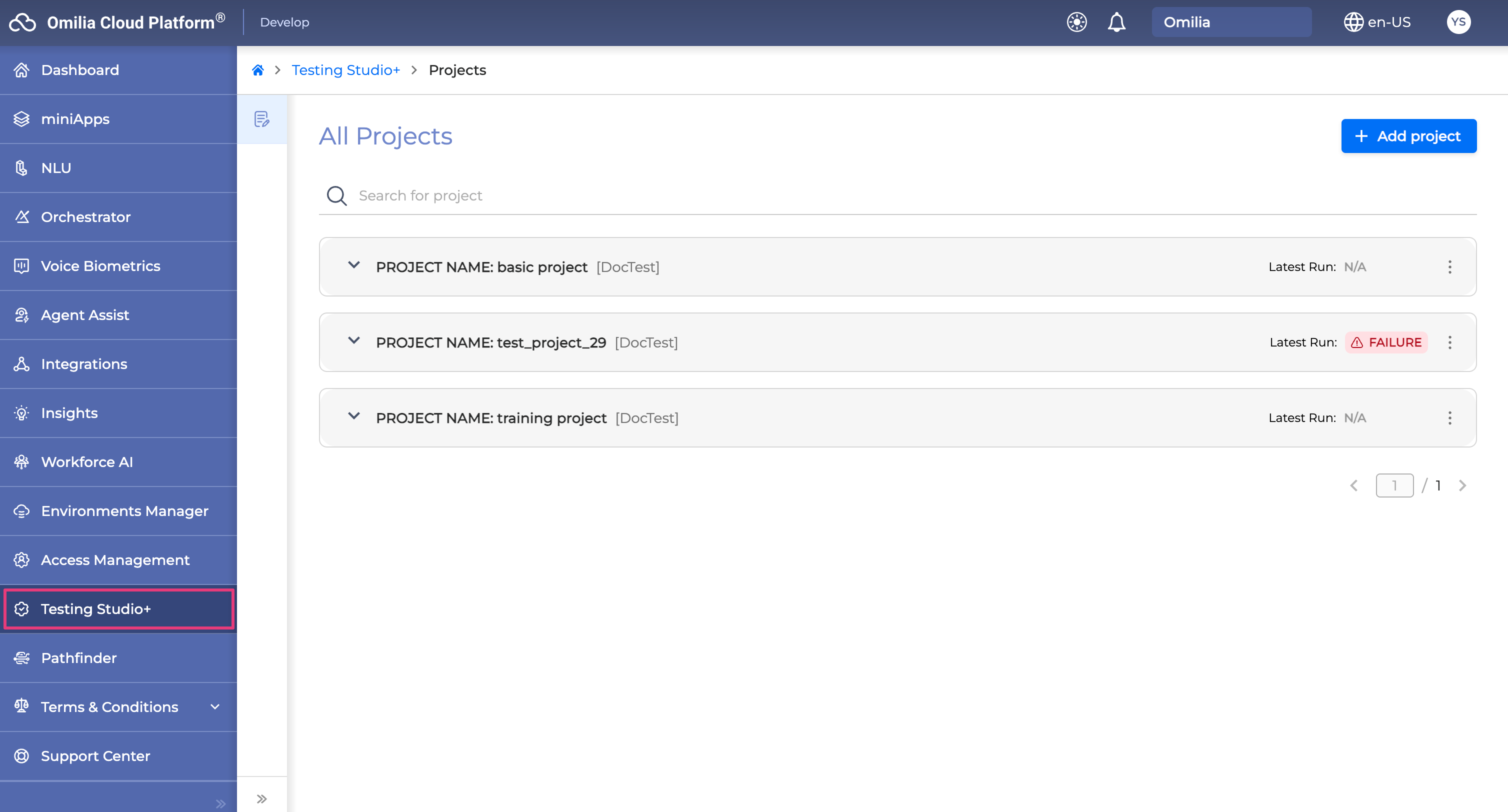
To enter Testing Studio+™, follow these steps:
-
Log in to OCP® as described in Logging in and logging out.
-
Click Testing Studio+ in the left sidebar.
To enter Testing Studio+™, follow these steps:
Log in to OCP® as described in Logging in and logging out.
Click Testing Studio+ in the left sidebar.