Skip to main content
Guides
Omilia Service Desk
Main navigation
Guides
Close
Main
Omilia Service Desk
Main
OCP® Documentation Overview
OCP® Release Notes
OCP® Overview
Getting started with OCP®
Organizations, Groups, and Roles
OCP Console® User Guide
OCP miniApps®
Orchestrator User Guide
OCP Conversational Natural Language® User Guide
OCP Testing Studio+™
Testing Studio+™ User Guide
Logging in to Testing Studio
Projects page
Agents Unit Testing
Log out of Testing Studio+
Testing Studio+™ Structure
Environments Manager User Guide
Pathfinder User Guide
Self-Learning Agents User Guide
Voice Biometrics
Agent Assist
Omilia TTS Solution
Insights
Call Detail Records (CDRs)
Integrations
API
Frequently Asked Questions
Omilia Service Desk
OCP Keyboard Navigation
Glossary of Terms
Regulations and Compliance
Breadcrumbs
Home
Guides
OCP Testing Studio+™
Testing Studio+™ User Guide
On this Page
Log out of Testing Studio+
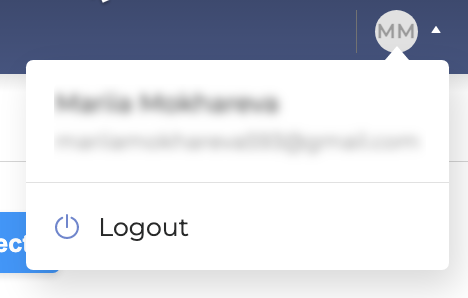
To log out from
Testing Studio+
, click the
User
icon and select
Log out
:
.svg)