.svg)
To access Environments Manager, proceed as follows:
-
Log in to OCP® as described in Logging in and logging out.
-
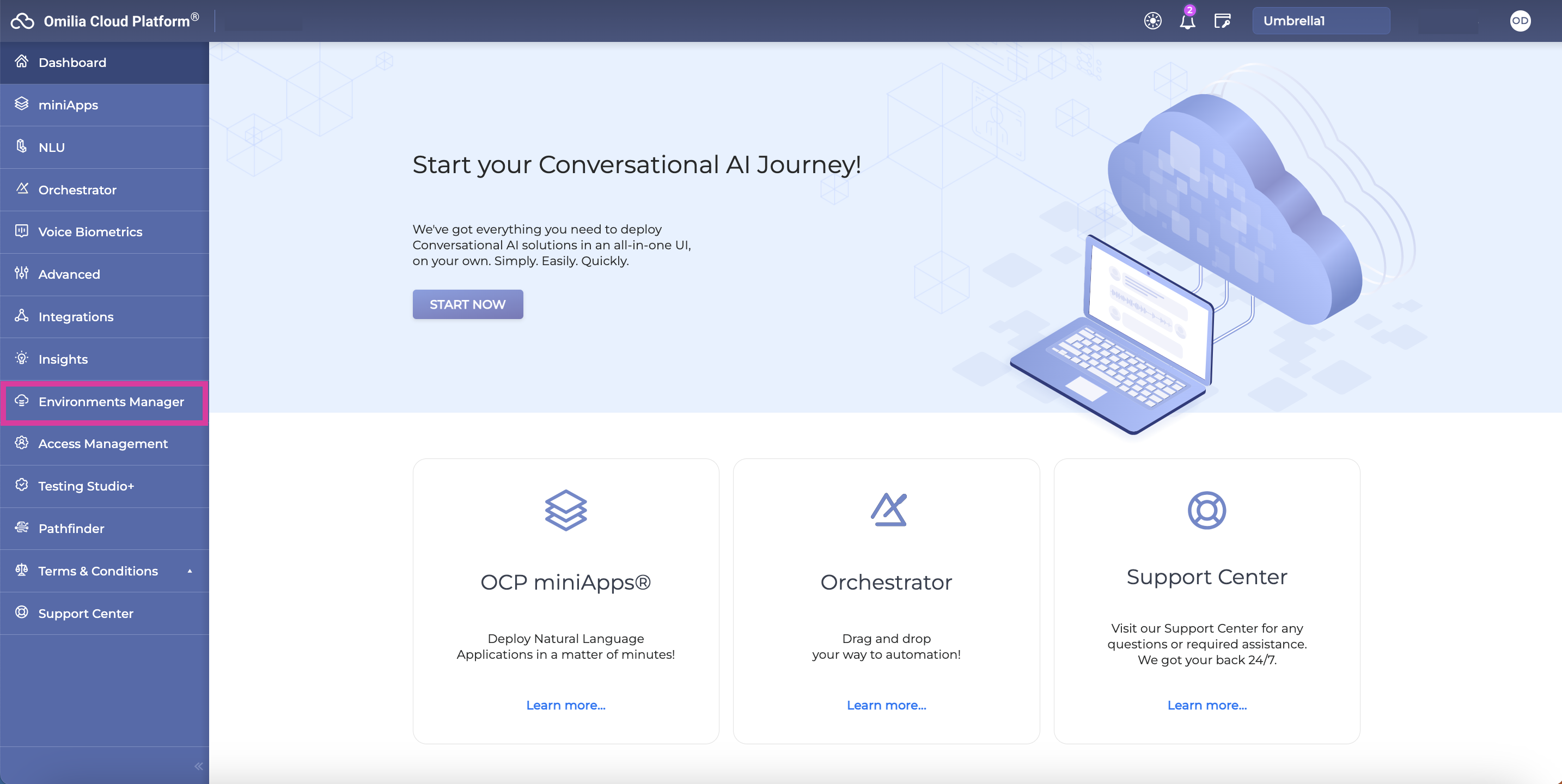
Click Environments Manager in the left pane.
-
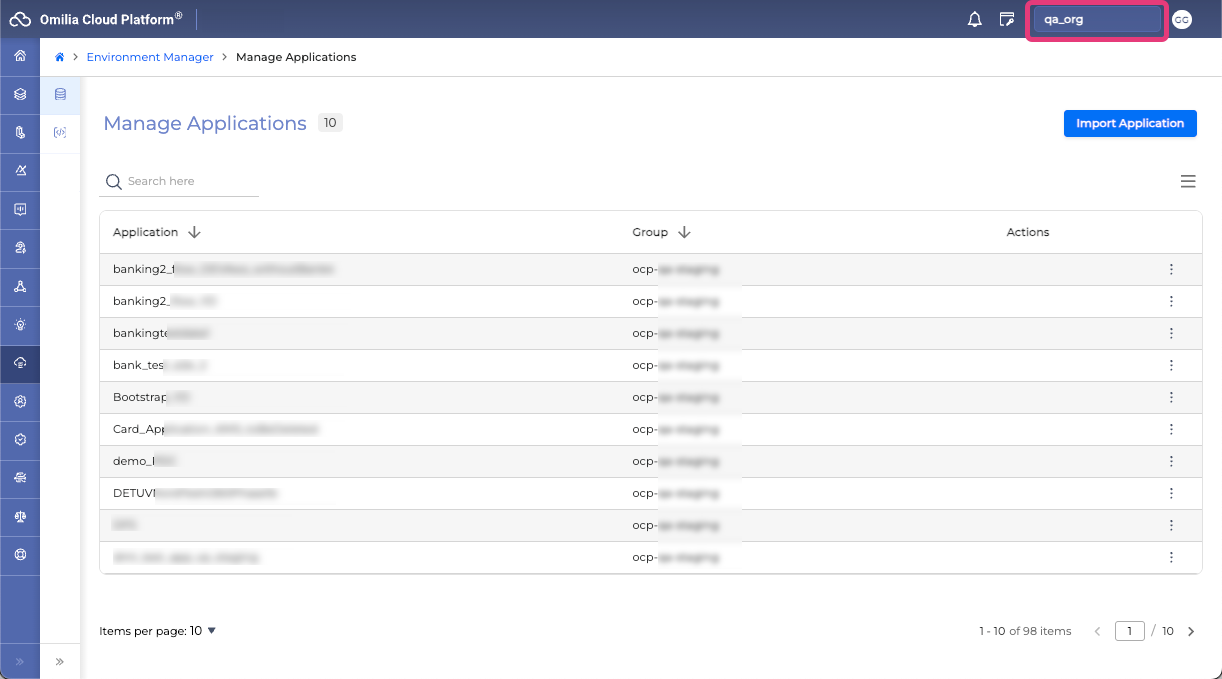
On the Environments Manager page, you can access the list of Orchestrator Applications available to your organization and groups.
-
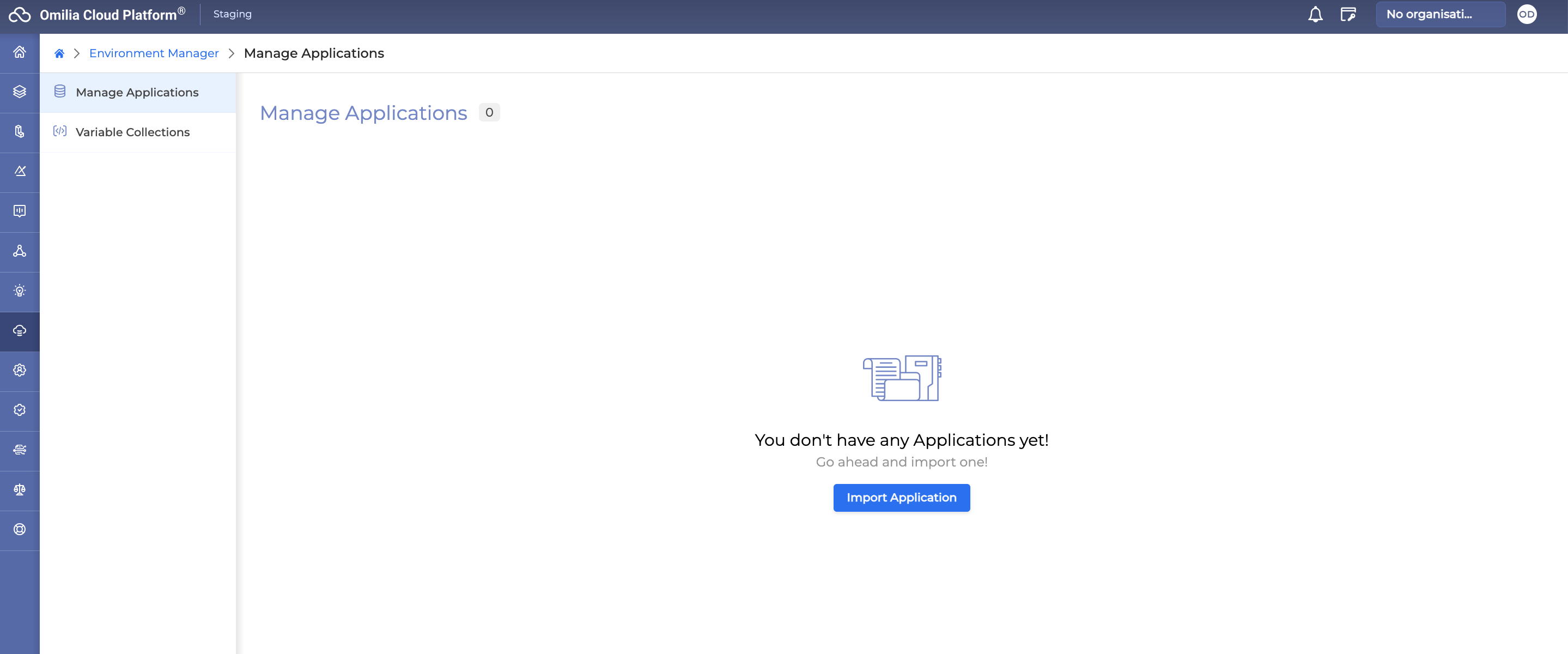
If you currently have no Orchestrator Applications, click the Import button. Navigate to the Import Application section to read more about it.