
What is OCP® CoPilot (beta) 
Introduction
OCP® CoPilot is an AI-powered assistant integrated into the Omilia Cloud Platform. It gives users instant access to platform knowledge, configuration insights, and automated development actions.
CoPilot is trained on OCP® Learning Center, platform documentation, best practices, system metadata, and operational context. It can answer questions, automate tasks, explain flows, and generate new configurations on demand.
It acts as a powerful productivity multiplier for developers, analysts, and ops teams working inside OCP®.
OCP® CoPilot Access
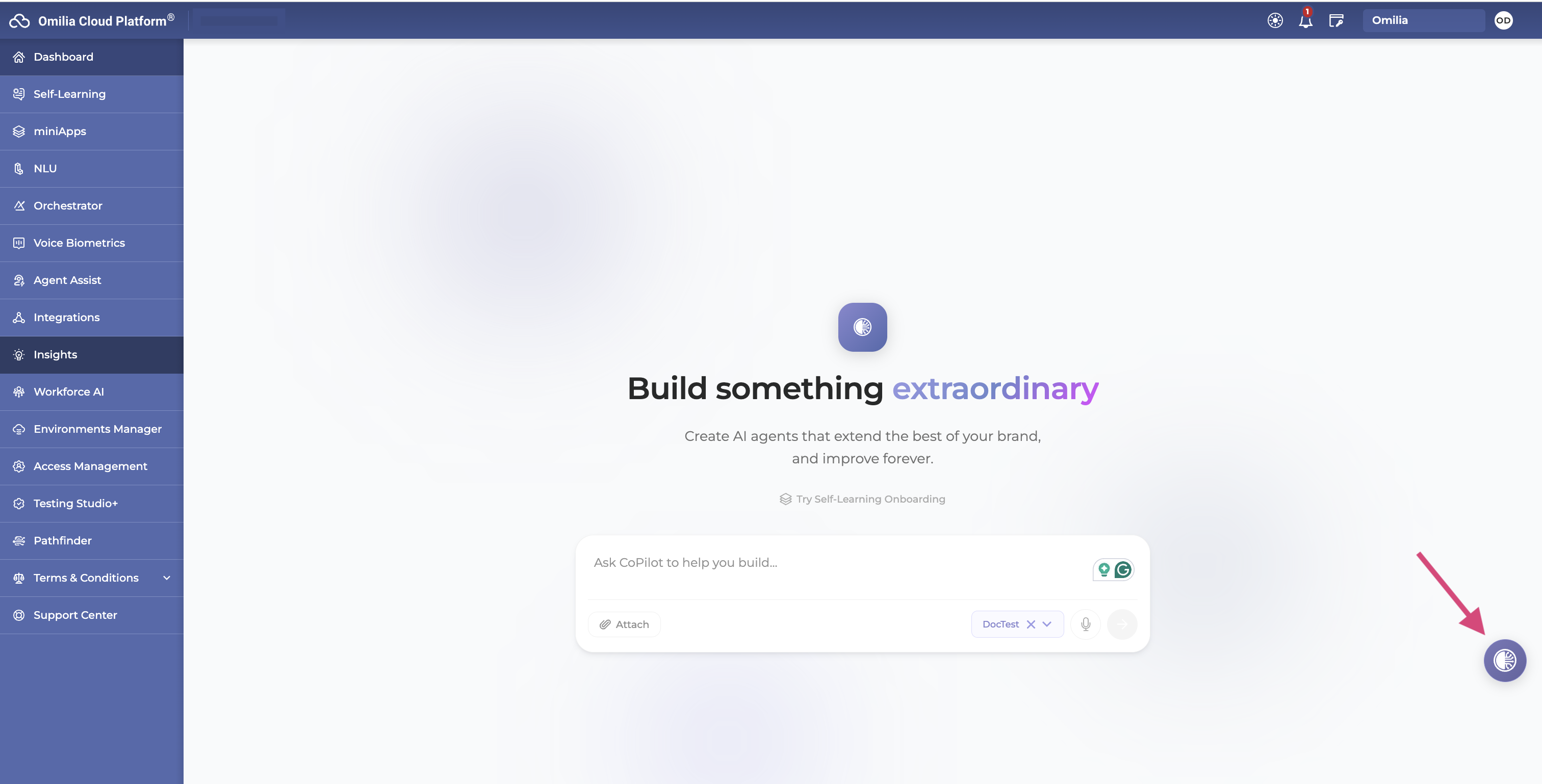
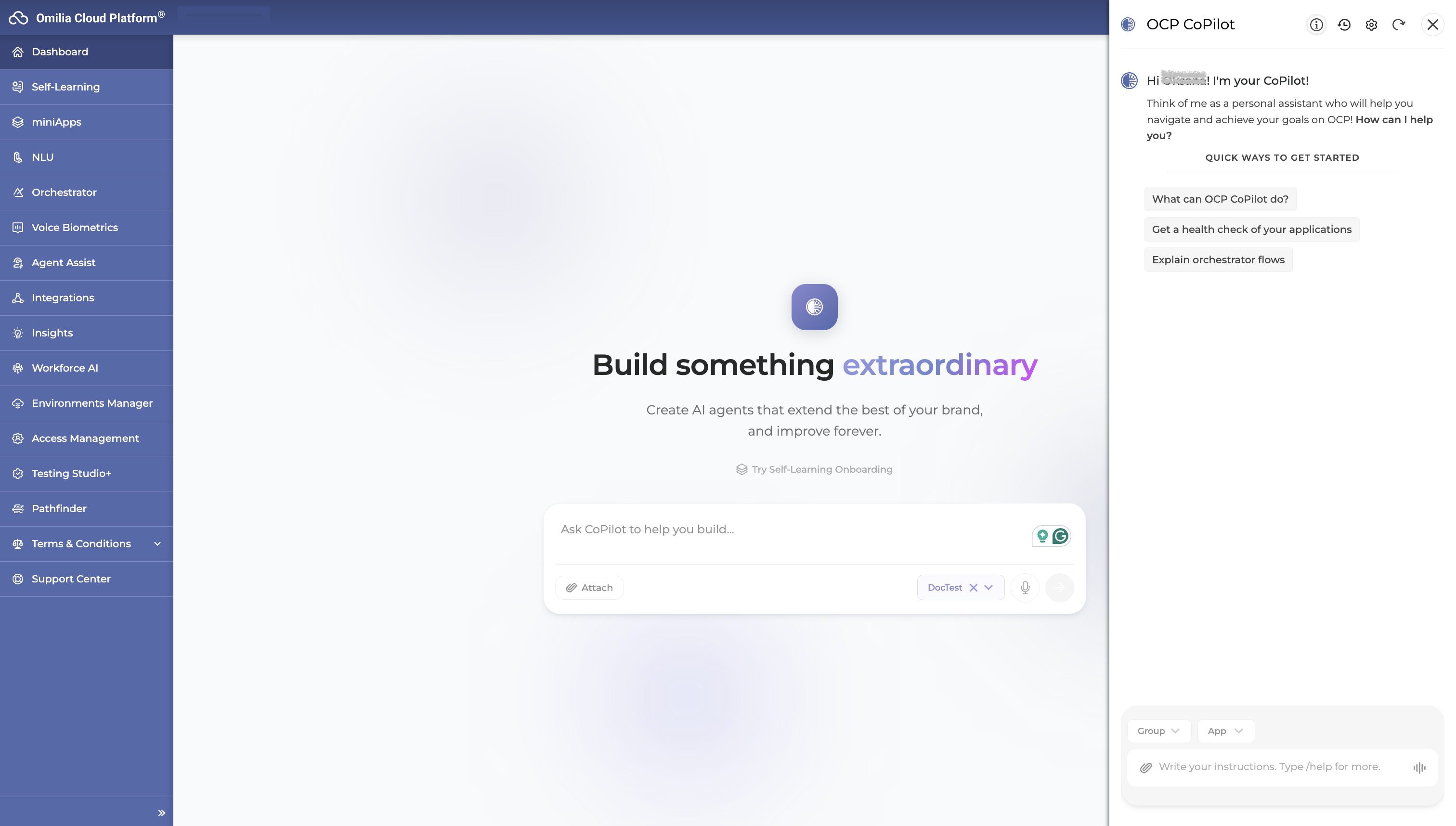
CoPilot is available throughout OCP®. Click the CoPilot icon
Core Capabilities Overview
What is CoPilot going to help you with?
Platform Knowledge & Explanation Engine
Copilot uses OCP® Learning Center content as a structured knowledge source. You can ask it questions about it and get answers immediately in the context you are working. It can explain any platform concept (miniApps, Orchestrator, tools, flows, variables, agents, queues); provide example code, JSON structures, and API requests; outline best practices for building automation and generate boilerplate templates.
It is a great way to accelerate the onboarding of new users, as well as to onboard new users into existing and complex workflows.
Special Agents
The available specialist agents in CoPilot are:
-
AI Analyst (
/ai-analystor/analyst) - Analyzes how deployed agentic applications are behaving in production, including transfer reasons, caller topics, agent performance, and period comparisons. -
Self-Learning Specialist (
/self-learningor/sl) - Manages AI agents through the self-learning pipeline, creates/updates playbooks, checks pipeline status, uploads documents for agent training, and handles playbook versions and deployments. -
NLU Specialist (
/nlu) - Handles Natural Language Understanding operations including managing NLU models, training, deployment, evaluation, intent selection policies, and NLU applications.
You can activate any of these specialists by typing their command (e.g., /ai-analyst) or by asking questions related to their domain, and I'll hand off to them automatically.
Agent Creation & Configuration
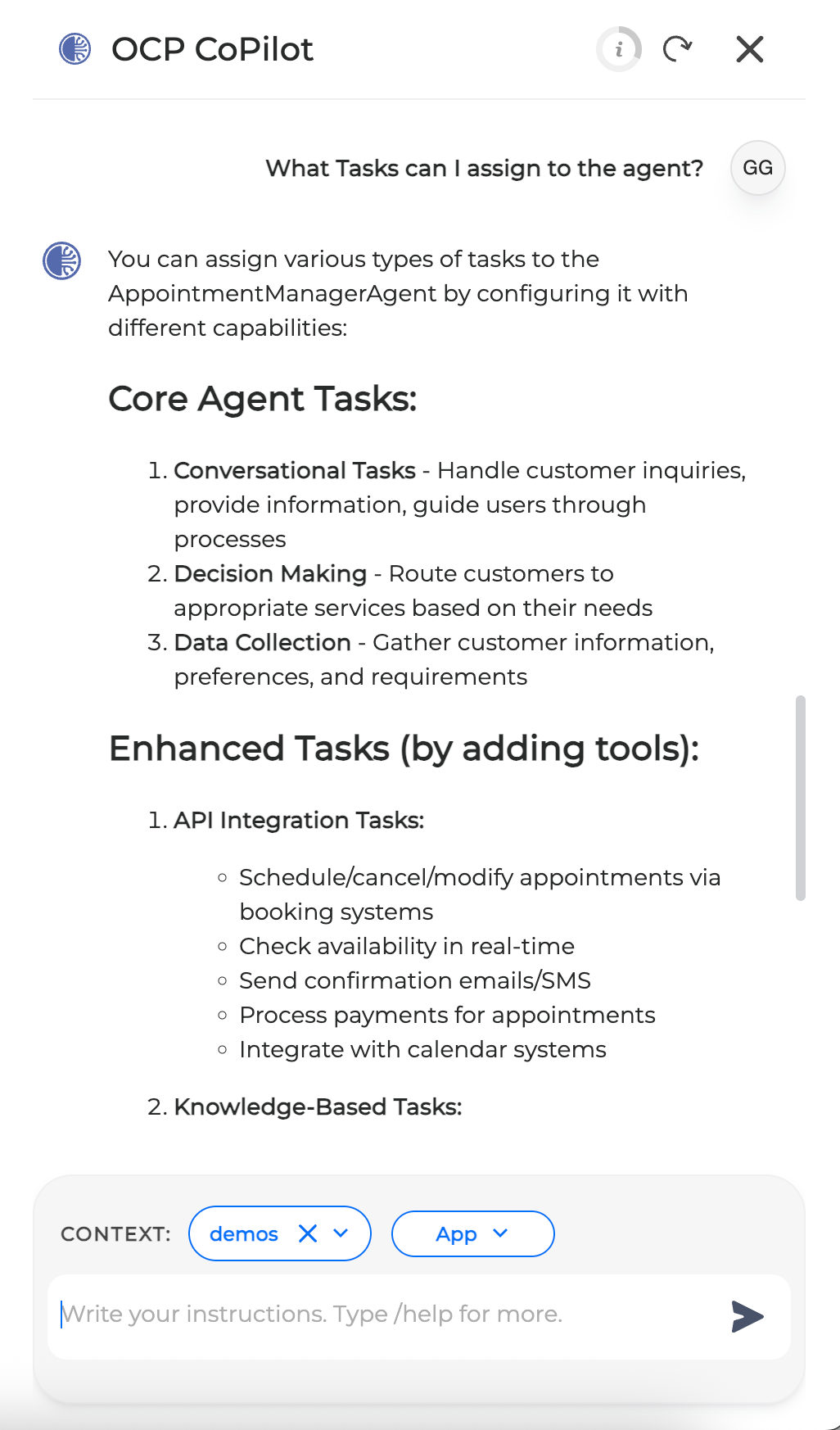
Agents are the backbone of conversational automation in OCP. Copilot assists across all aspects of their lifecycle. Here is a list of actions CoPilot currently supports:
-
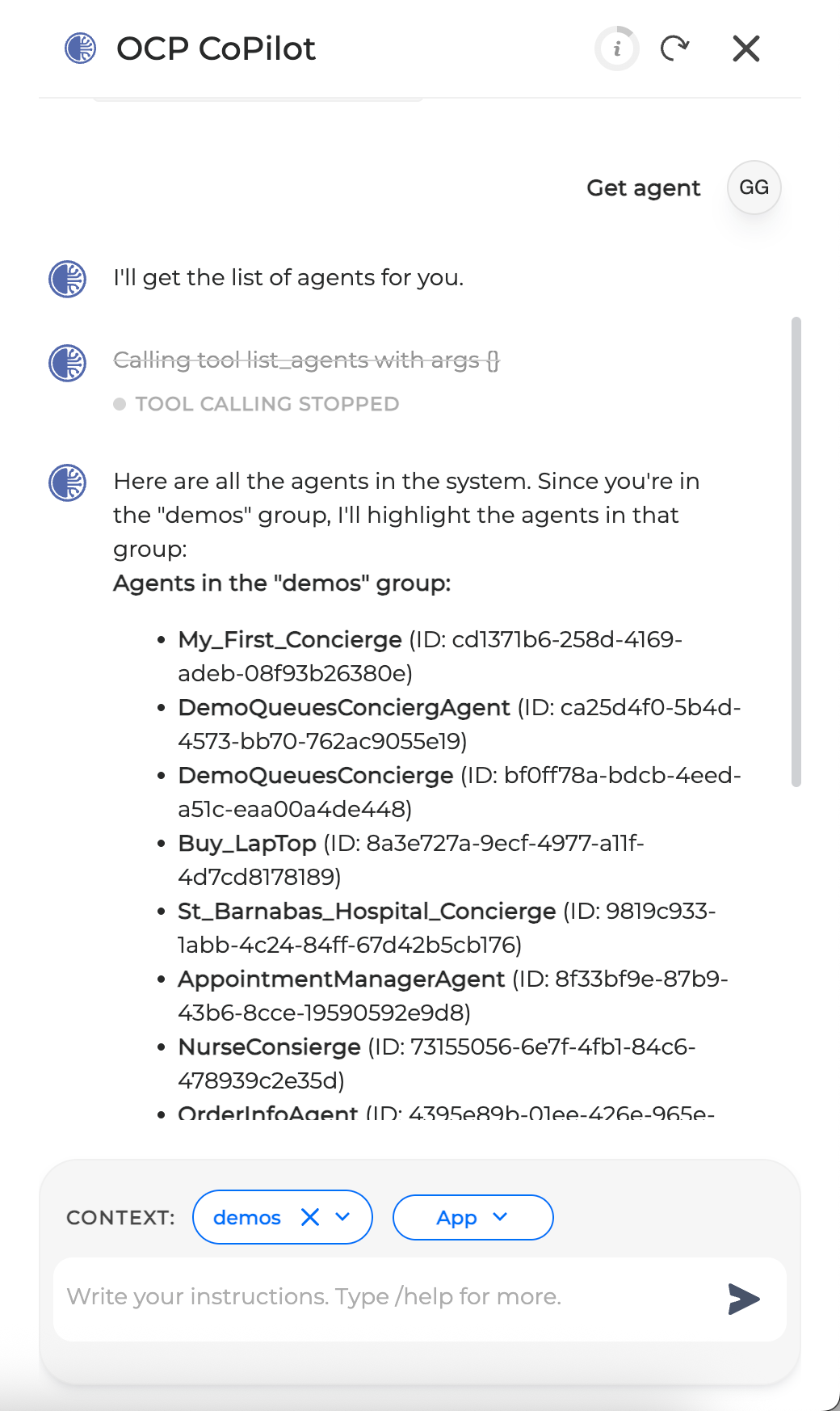
Get agent: Find agents, retrieve and understand the configurations and dependencies.
-
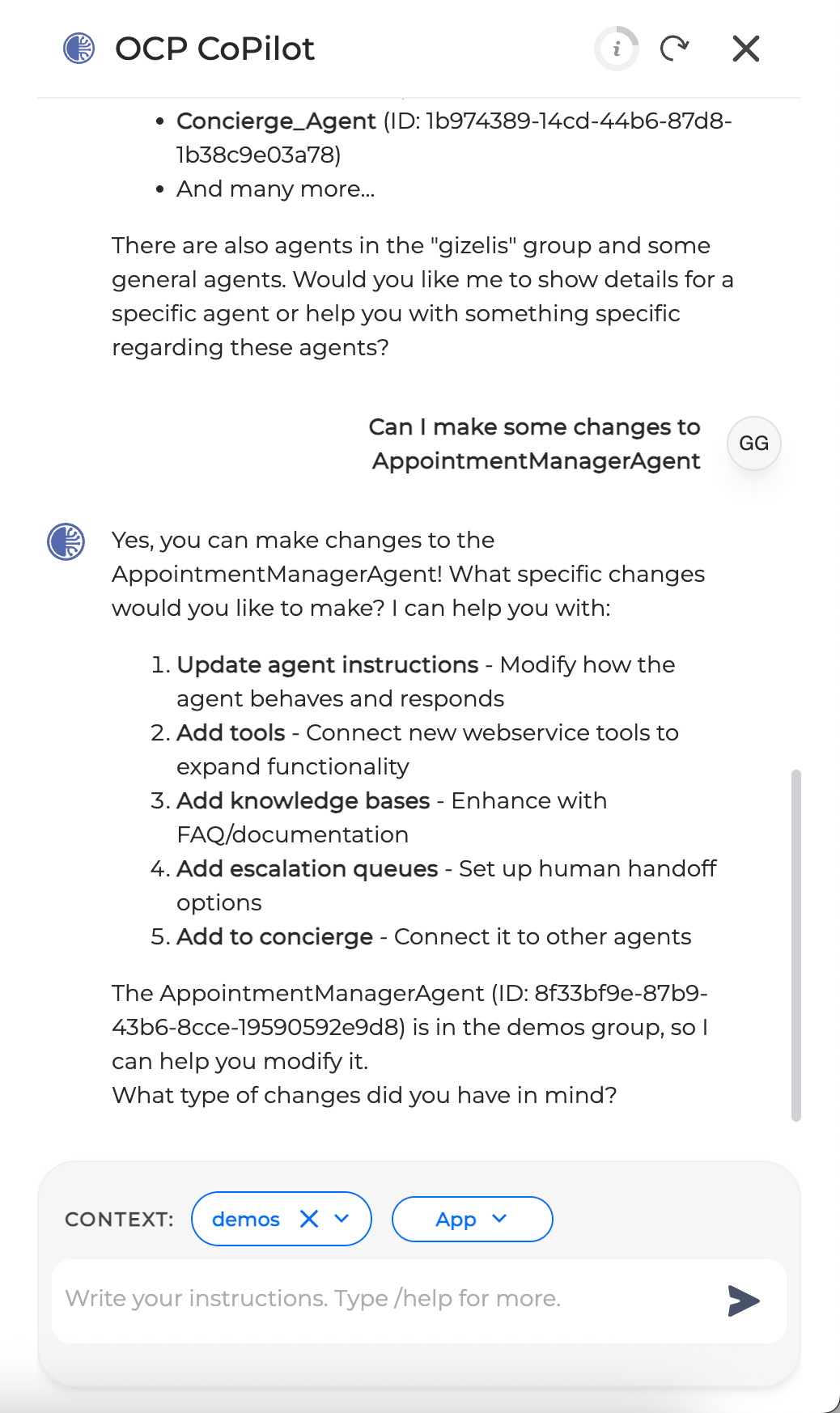
Update agent instructions: Updates the agent instructions directly from CoPilot, using best practices and known templates to support the generation.
-
Add escalation queues to agent: Update or add escalation queues to Concierge Agent Cards.
-
Add tools to agents: Add existing tools or MCP servers to Agent Cards.
-
Create agent through FAQ: Helps the user create an agent that answers questions based on a document / FAQ.
-
Create task agents: Helps the user create an agent that solves a complex task.
|
Get Agent |
Make changes to the specific Application |
Assign tasks to Agents |
|---|---|---|
|
|
|
Orchestrator and miniApps - Tools & Application Control
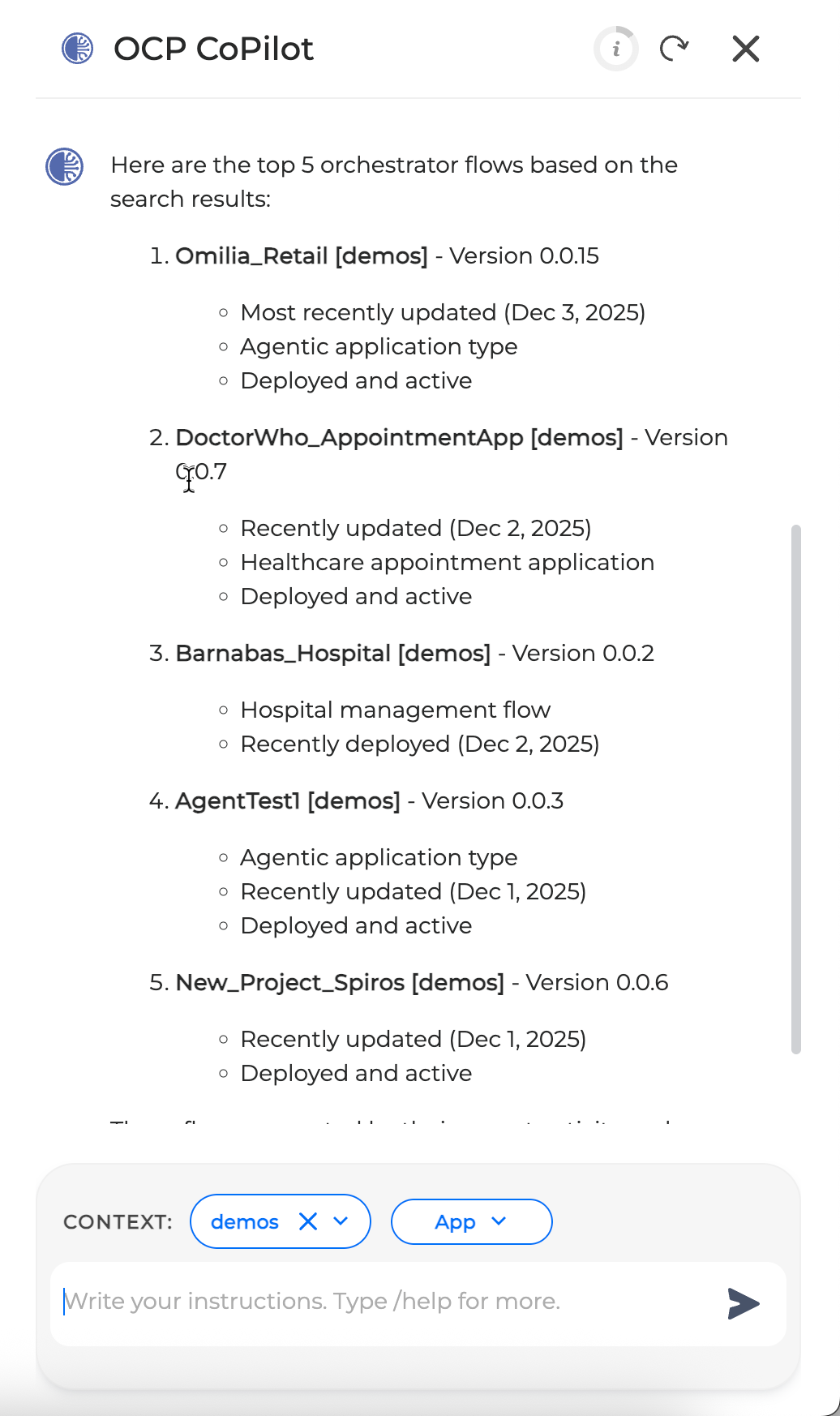
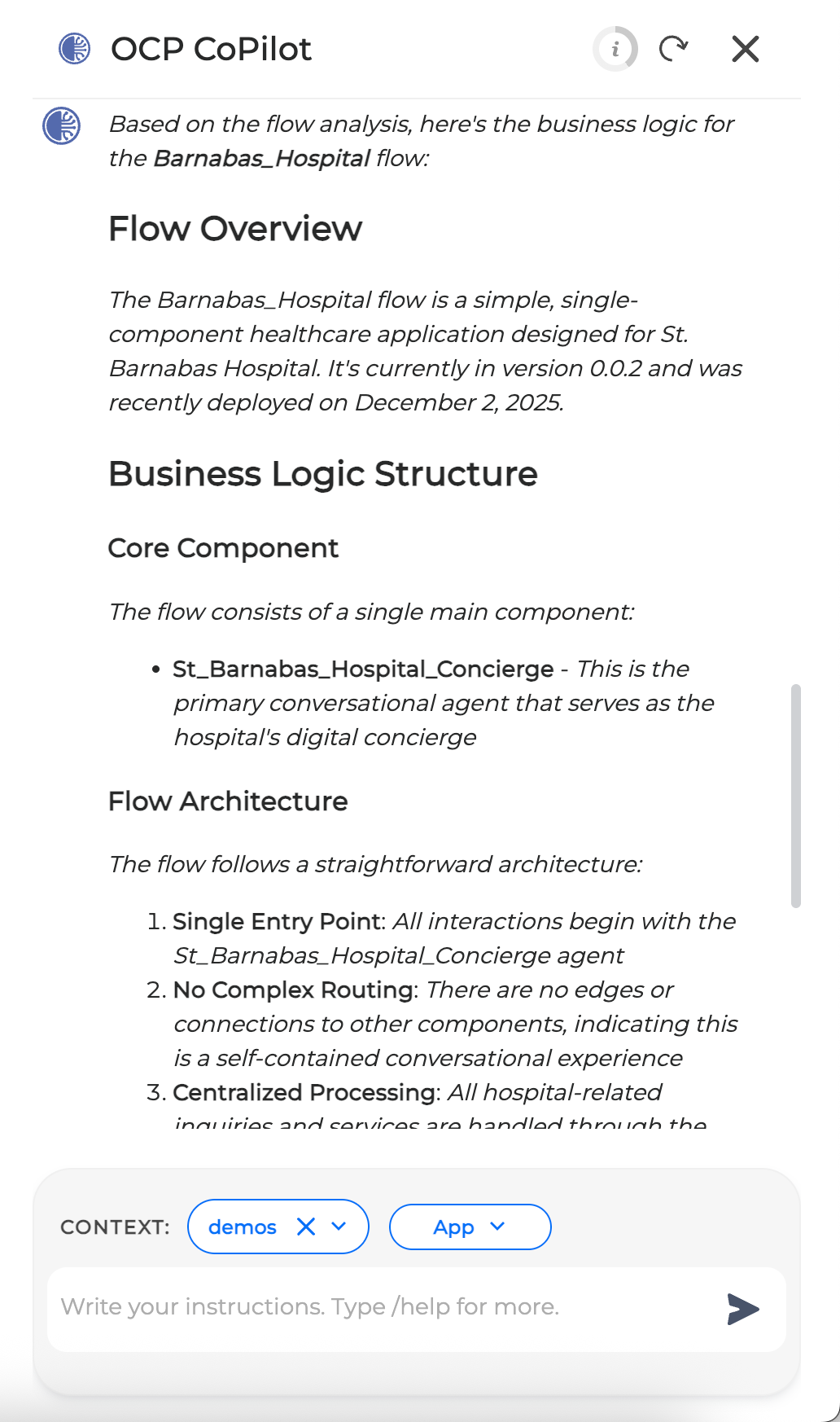
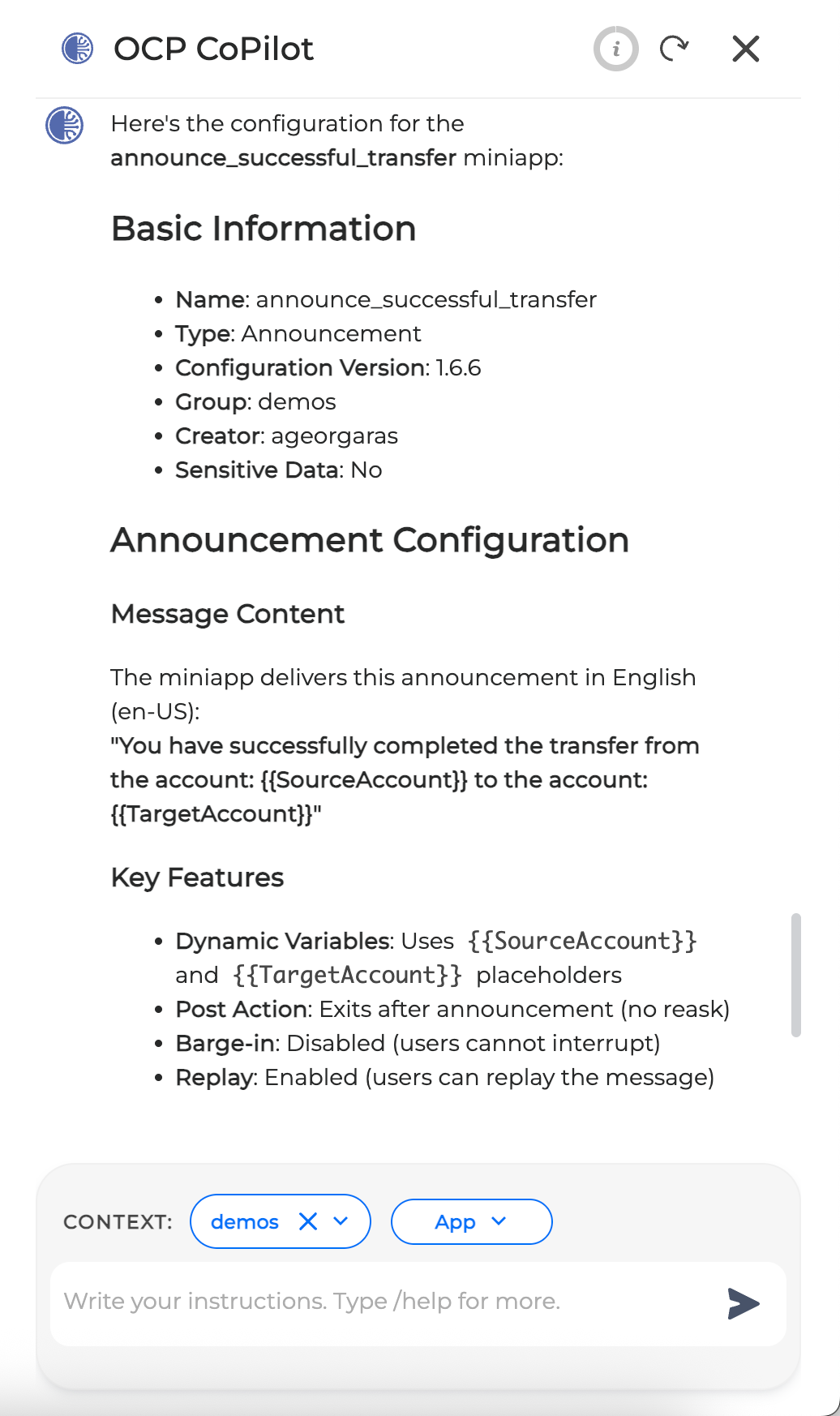
CoPilot helps users understand and interact with orchestrator assets and flows through a conversational layer. Here is a list of actions supported by CoPilot within Orchestrator:
-
Explain flow (step-by-step technical interpretation): CoPilot analyses and interprets the flow, offering a natural language description of the functionality.
-
List orchestrator and/or miniApps: List orchestrator apps and/or miniApps available to the user.
-
Deploy Orchestrator app: Deploy application.
-
Get miniApp configuration: Get, understand and explain miniApp configuration.
-
Set miniApp prompt: Set the miniApp prompt directly from CoPilot.
-
Create webService miniApp: Create tools for Agents to consume directly from CoPilot.
|
List Orchestrator Applications |
Explain a specific Application Flow |
Get application configuration |
|---|---|---|
|
|
|
Logs, Variables & Operational Insights
CoPilot provides direct access to logs and system resources to support debugging and analysis. Here is a list of actions supported by CoPilot for troubleshooting and insights:
-
Search and understand dialog logs: search and understand dialog logs, including troubleshooting basic issues present in the logs.
When you use Omilia conversational AI related products, please refer to the two new EU AI Act documents ahead of the transparency obligations deadline:
-
EU AI Act Compliance Status for a summary of Omilia’s compliance position
-
Deployer Responsibility Guidelines for the actions and responsibilities required from deployers.