
This is a brief how-to on the most common ticket types in the Omilia Service Desk. For each request type, it explains when to use it and what the form asks for.
You can follow your open tickets from your profile on the portal.
Ensure that all necessary information is prepared in advance to prevent any confusion when submitting an issue.
The request types covered in this guide:
-
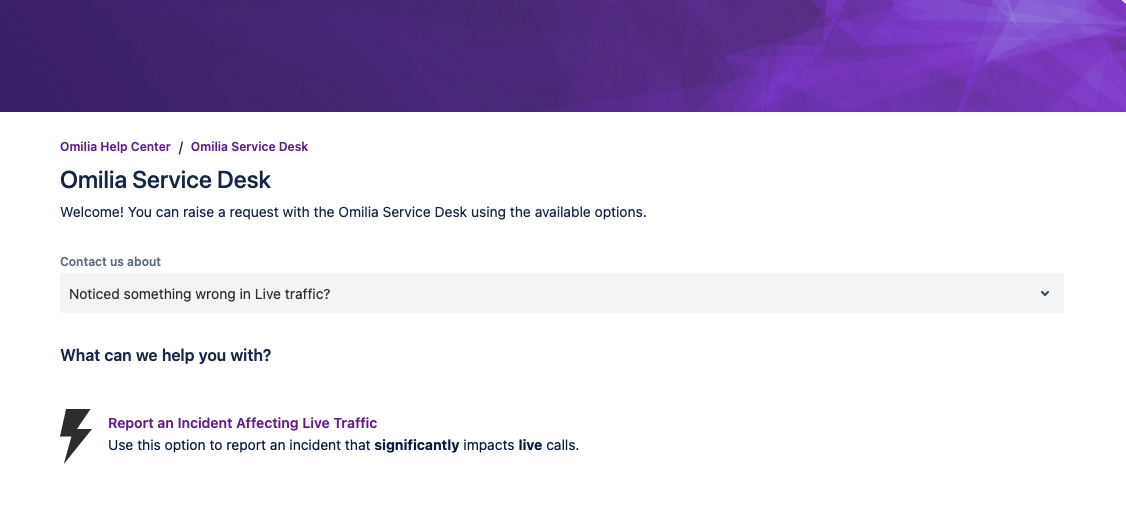
Report an Incident Affecting Live Traffic - Use this option to report an incident that significantly impacts live calls.
-
Need help with your access or permissions
-
Request a New Organization Creation
-
General Access Management Help
-
Register phone numbers (DNIS) with OCP
-
-
Run into a Bug or Need Support
-
General Technical Support
-
Report a Bug
-
Report an Incident Affecting Live Traffic
This type of issue must be used to report an incident that significantly impacts live calls.
It is dedicated to reporting critical issues in the live production environment and is subject to First Response SLAs with specific SLTs that must be honored.
Raise such ticket for reporting urgent issues like OCP® outages, critical functionality failures, widespread performance degradation, or security breaches in the production environment.
The form starts with a short note and a confirmation box. The rest of the form appears after you confirm that live traffic is failing or degraded right now. You do not select a severity and you do not write a summary. Support sets the severity from your answers, following the severity definitions in Omilia Service Desk, and creates the title for you.
Required Information
|
Required Field |
Description |
Mandatory |
|---|---|---|
|
Confirmation |
Tick I confirm that live traffic is currently failing or degraded. The other questions appear after you tick it. |
✓ |
|
Environment |
Select your OCP environment: US1 (us1-m.ocp.ai), EU1 (eu1-m.ocp.ai), CA1 (pub.ca1.ocp.ai) or Frankfurt (pub.frankfurt.ocp.ai). For a single-tenant or dedicated environment, select Other... and type its name or URL in Environment name. |
✓ |
|
Share of live traffic affected |
Your best estimate: All or almost all, More than 10%, Less than 10% / Sporadic, or Unknown. Support uses this answer to set the severity. |
✓ |
|
Quick report |
Tick Skip the remaining questions and go to Details if you need to report as fast as possible. By ticking it you acknowledge that skipping these questions might impede incident resolution. Pattern, Workaround and Symptoms and timing are then not shown. |
|
|
Pattern |
Ongoing (every affected interaction fails) or Intermittent (some interactions fail, some succeed). Not shown with Quick report. |
✓ |
|
Workaround |
Can end users still complete their journey right now, for example through a fallback or another channel? No workaround, Partial workaround or Workaround in place. Not shown with Quick report. |
✓ |
|
Symptom(s) |
Select all that apply, for example interactions fail to start, drop during the conversation, speech or text is not understood, transfers fail or audio problems. Not shown with Quick report. |
✓ |
|
Estimated start time and Time zone |
Your best estimate of when the issue started and the closest time zone. Not shown with Quick report. |
✓ |
|
Recent change |
Was anything changed shortly before the issue started, on the Omilia side or on your side? Not shown with Quick report. |
✓ |
|
Incident details |
What end users experience, what is affected (phone numbers, channels, flows or intents), any error message copied exactly as shown, and what you already checked or changed. |
✓ |
|
Application |
Application affected by the incident. |
|
|
Group |
Group name of the Application. |
|
|
Customer |
Customer affected. Required for Partners that raise cases on behalf of Customers. |
|
|
Example session or dialog IDs |
Up to 5 OCP Session or Dialog IDs. Do not enter phone numbers, personal data or recordings. |
|
|
Attachments |
Log snippets, screenshots, pcap files or anything that could speed up the investigation. You can drag and drop or browse your files. |
|
Need help with your access or Permissions
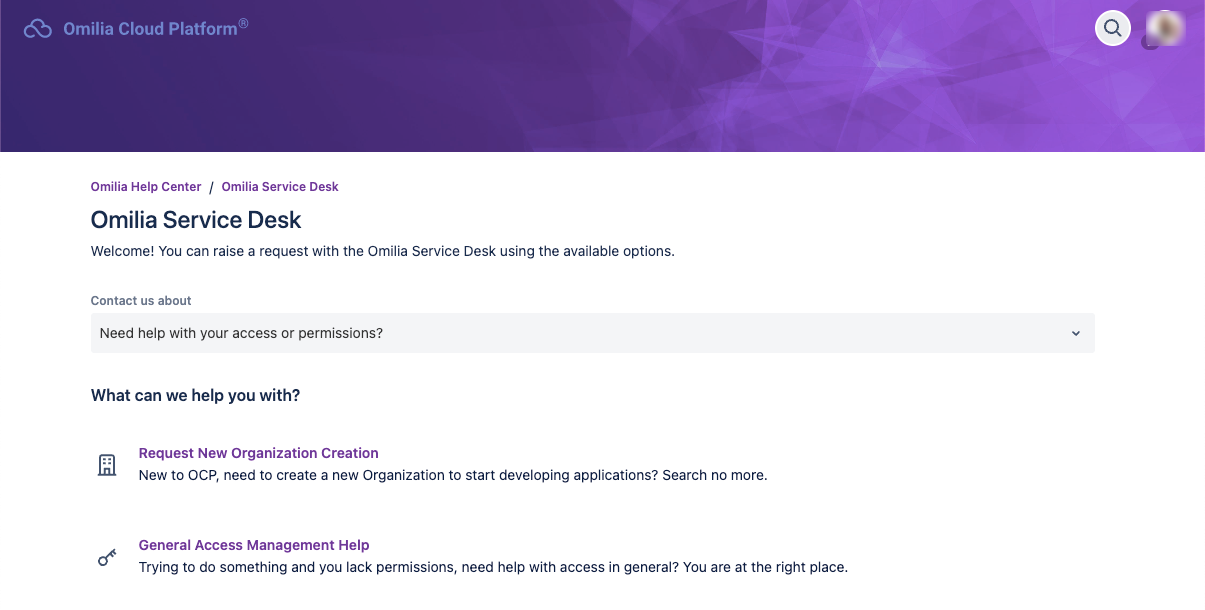
Use this type of issue to request new Organization creation, General Access Management help, or to register your phone numbers (DNIS) with OCP.
Request New Organization Creation
If you are new to OCP® you need to create a new Organization to start developing applications.
Required Information
|
Required Field |
Description |
Mandatory |
|---|---|---|
|
Business justification for OCP Organization creation |
The reason a new OCP Organization is needed |
✓ |
|
OCP Environment |
The OCP Environment you are requesting access to. It's the base URL of the site where you registered. i.e. us1-m.ocp.ai |
✓ |
|
OCP Organization Name |
The proposed organization name. The Groups will be under this organization, and later managed by the designated Organization Admin(s). The organization name should match the customer’s name/domain |
✓ |
|
OCP Organization Admin |
Comma separated email(s) of the designated Organization Admin(s). You can find more information in Organizations, Groups, and Roles Users must be already registered in OCP® |
✓ |
|
Customer Name |
The customer's Business name for which this OCP Organization is being created |
✓ |
|
Customer's email domain |
The private online domain of the customer? For example,http://domainname.com |
✓ |
|
Integrator |
SIP Integration Details. Select from the dropdown list Additional information will be requested depending on the selected integrator. This could include any of the following:
|
✓ |
|
Request Description |
If you consider more info is required, describe your request here |
|
General Access Management help
You have read about a feature or menu and it is not available because you lack permission or you need help with access in general. This is the right form to resolve this.
For users seeking assistance with existing access, password resets (where applicable), understanding their permissions, or reporting issues related to logging in or accessing specific parts of OCP® they believe they should have access to.
Additional permission requests like access to Testing Studio+, Conversational Insights, etc are provided through this Request Type.
General Access Management information requirements
|
Required Field |
Description |
Mandatory |
|---|---|---|
|
Business justification for access changes |
Why is this access needed? |
✓ |
|
OCP Environment |
Which OCP Environment are you requesting access to? It's the base URL of the site where you registered. i.e. us1-m.ocp.ai |
✓ |
|
OCP Customer |
The Customer’s name |
✓ |
General Access Management type options
|
Access Type |
Description |
Required Information |
|
|---|---|---|---|
|
Manage Organisation Admins |
|
|
|
|
|
Add Organization Admin |
Request to Add Organization Admin(s) from an Organization |
|
|
|
Remove Organization Admin |
Request to Remove Organization Admin(s) from an Organization |
|
|
Manage User Roles and Groups |
|
|
|
|
|
Add/Update User Role in Group |
Add or Update a user role in a group |
|
|
|
Remove User from Group |
List the Users(emails) and the Groups to removed them from. |
|
|
Re-Activate Users |
Re-activate OCP users that were deactivated. |
|
|
|
Access to Testing Studio+
|
Select the Group(s) that require Testing Studio+ access |
|
|
|
Access to Conversational Insights |
Request access to Conversational Insights A new user license might be required - Contact your Account Manager for more details |
|
|
|
Whole Call Recording |
Enable Whole Call Recording for a Group. Additional costs might apply: coordinate with your Account Manager in Omilia before enabling this feature. |
|
|
|
Other... |
If the permission request is not covered by any of the other categories you can provide a detailed description of your request |
|
|
Register phone numbers (DNIS) with OCP
For customers who already own phone numbers (DNIS) and want calls to them to reach their OCP Group. Omilia registers the numbers on OCP; Omilia does not supply production numbers.
Use one request per OCP Group. The form starts with a short note and a confirmation box; the other questions appear after you tick it.
Required Information
|
Required Field |
Description |
Mandatory |
|---|---|---|
|
Confirmation |
Tick I have read and understood the note above. |
✓ |
|
Environment |
Select your OCP environment: US1 (us1-m.ocp.ai), EU1 (eu1-m.ocp.ai), CA1 (pub.ca1.ocp.ai) or Frankfurt (pub.frankfurt.ocp.ai). For a single-tenant or dedicated environment, select Other... and type its name or URL in Environment name. |
✓ |
|
SIP IP whitelisting |
Tick it if your SIP IPs are not whitelisted on OCP for the selected environment yet. Calls from SIP IPs that are not whitelisted do not reach OCP. Leave it unticked if they are already whitelisted. |
|
|
SIP IPs |
Shown when SIP IP whitelisting is ticked. Your signalling and media source IPs: public IPv4 addresses (a.b.c.d) or CIDR ranges (a.b.c.d/24, prefix /16 to /32), separated by a space, comma or semicolon. Private, reserved and non-routable addresses are not accepted. See SIP Configuration. |
|
|
Group |
The OCP Group name exactly as it exists on OCP (same spelling and case). One Group per request. |
✓ |
|
Numbers |
Your numbers in E.164 format: start with +, then country code and number, 7 to 15 digits in total, no spaces, dashes or brackets inside a number. Separate several numbers with a space, comma or semicolon. Example: +11234567890 +11234567891 |
✓ |
|
Additional information |
Anything else Support should know about this request. |
|
Run into a Bug or Need Support
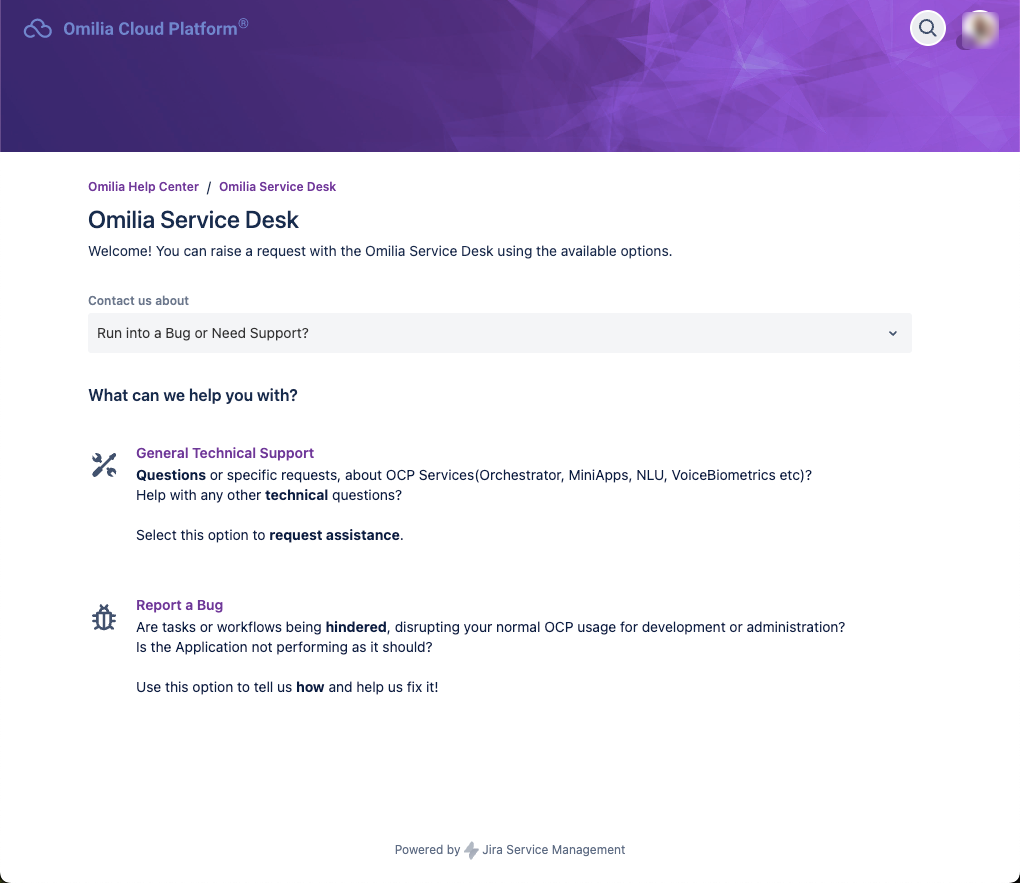
This group handles standard technical issues and defect reporting. It is separated into two major categories:
-
General Technical Support
-
Report a Bug
General Technical Support
For users needing help with technical problems, configuration issues/help, unexpected behavior (that isn't clearly a bug or incident), general "how-to" questions related to technical aspects of the Product, or troubleshooting non-critical problems.
For implementation, consultation or design work, use Professional Services Engagement instead. The form starts with a short note listing the other request types and a confirmation box; the other questions appear after you tick it.
Required Information
|
Required Field |
Description |
Mandatory |
|---|---|---|
|
Confirmation |
Tick I have read and understood the note above. |
✓ |
|
What do you need |
A question or how-to, Help with configuration or setup, Help understanding a result or behaviour, or Something else. |
✓ |
|
Environment |
Leave empty if it does not apply. Select your OCP environment: US1 (us1-m.ocp.ai), EU1 (eu1-m.ocp.ai), CA1 (pub.ca1.ocp.ai) or Frankfurt (pub.frankfurt.ocp.ai). For a single-tenant or dedicated environment, select Other... and type its name or URL in Environment name. |
|
|
Summary |
One line that describes your question or request. It is used as the title. |
✓ |
|
What are you trying to do, or describe your request |
Describe your goal or request and any relevant context. |
✓ |
|
What happens instead, or what have you tried |
Optional details about the result you get or the steps you already took. |
|
|
Application |
Application concerned. |
|
|
Group |
Group name of the Application. |
|
|
Customer |
Customer affected. Required for Partners that raise cases on behalf of Customers. |
|
|
Attachments |
Any files that help us understand your request. |
|
Report a Bug
For users reporting specific, reproducible defects or errors in OCP®, where it does not behave as expected or documented.
Unlike incidents, bug cases may have workarounds or do not cause a widespread production outage.
The form starts with a short note and a confirmation box; the other questions appear after you tick it.
You do not select a severity. Severity is set from your answers to Impact, Workaround and How often it happens, following the severity definitions in Omilia Service Desk.
Required Information
|
Required Field |
Description |
Mandatory |
|---|---|---|
|
Confirmation |
Tick I have read and understood the note above. Report one issue per request. |
✓ |
|
Environment |
Select your OCP environment: US1 (us1-m.ocp.ai), EU1 (eu1-m.ocp.ai), CA1 (pub.ca1.ocp.ai) or Frankfurt (pub.frankfurt.ocp.ai). For a single-tenant or dedicated environment, select Other... and type its name or URL in Environment name. |
✓ |
|
Summary |
One line that describes the issue, for example: Transfer to agent fails with error 500 in the billing flow. It is used as the title. |
✓ |
|
What happened |
Describe what you observed. Copy any error message exactly as shown, say where you saw it (screen, API call, flow or step), give an example date and time with time zone, and mention anything that changed recently. |
✓ |
|
What did you expect to happen |
The expected behaviour. |
✓ |
|
Steps to reproduce |
If you know them. Short numbered steps work best. |
|
|
How often does it happen |
Every time, Intermittently, It happened once, or Not sure. |
✓ |
|
Impact |
Work is blocked, Work continues but is degraded, or Minor or cosmetic. |
✓ |
|
Workaround |
No workaround or A workaround exists. |
✓ |
|
Application |
Application affected. |
|
|
Group |
Group name of the Application. |
|
|
Customer |
Customer affected. Required for Partners that raise cases on behalf of Customers. |
|
|
Session or dialog IDs |
Up to 5 OCP Session or Dialog IDs, when applicable. Do not enter phone numbers, personal data or recordings. |
|
|
Attachments |
Screenshots, .log or .har files that help the investigation. You can drag and drop or browse your files. |
|